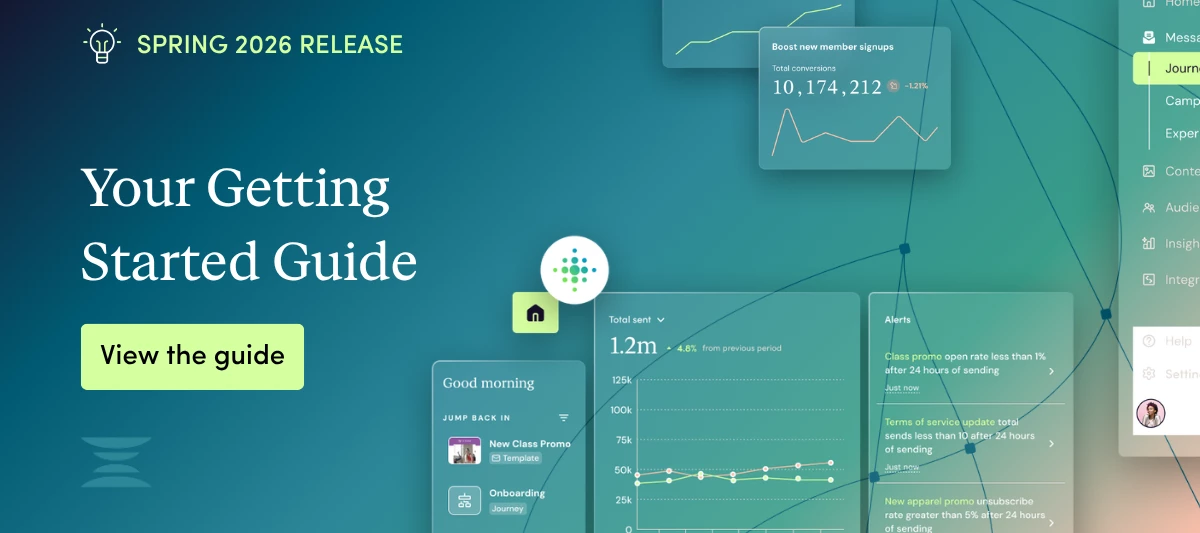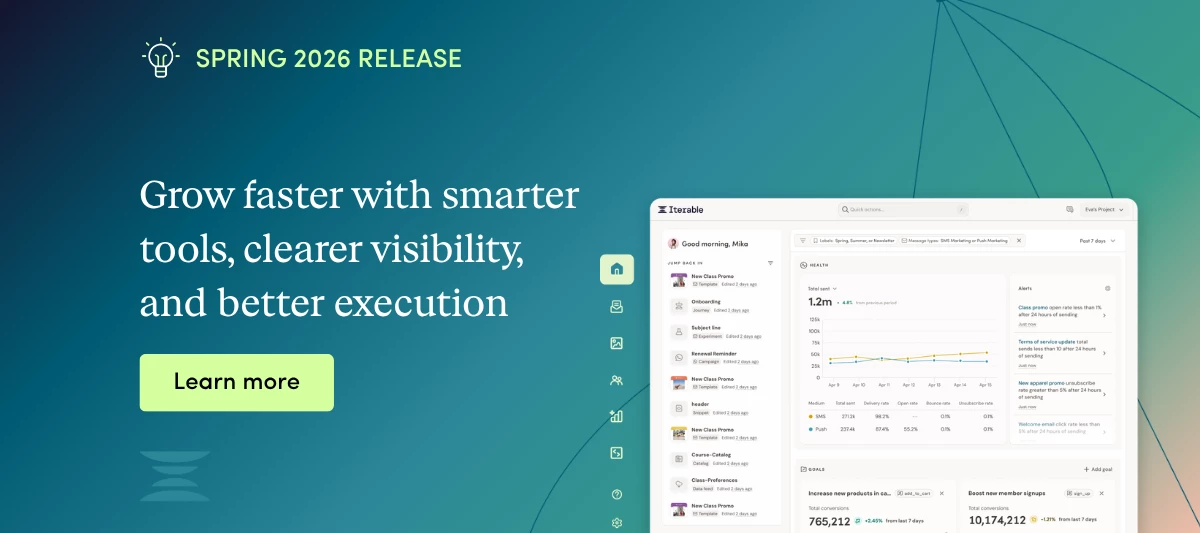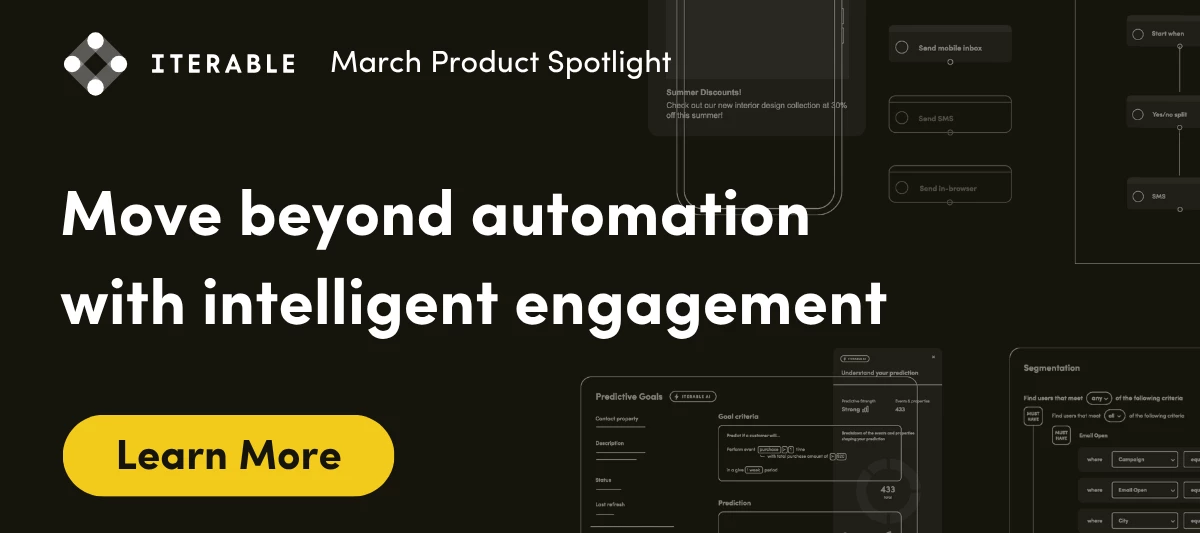

Discover what's new, what’s coming soon, and how you can influence what’s next.
Scaling programs shouldn’t mean scaling risk.February’s monthly spotlight is designed to give marketers greater confidence as they grow, with stronger control over execution and clearer insight into performance:Smarter governance → Global Suppression List 🛡 Stronger brand control → Creative Library 🎨 Better data confidence → Data Sync 📊Are you ready to see what’s new and how it helps your team scale with confidence? Global Suppression List 🛡Reach the Right People, Every Time Global Suppression List Accidental sends. Manual suppression logic. Brittle workarounds?Global Suppression List replaces fragile processes with built-in, project-level enforcement - automatically excluding designated users from campaigns and journeys, so the wrong message never reaches the wrong audience.Why this mattersAs programs scale, small mistakes become costly. Governance can’t rely on memory, manual filters, or one-off configurations. It needs consistent, system-level protection.What this unlocks• Automatic, project-wide suppression control• Reduced compliance risk• Elimination of manual workarounds• Confidence that sensitive audiences are always protected Creative Library 🎨On-Brand Execution Without The Slowdown Creative Library If you’ve ever searched five folders, two Slack threads, and a Google Drive just to find “the approved version”… this one’s for you!Creative Library becomes your centralized source of truth for images, PDFs, and videos used across channels, so every message stays on-brand and campaigns move faster. What this unlocks• Secure, structured asset storage in one single place• Faster, more efficient campaign creation• Consistent brand execution across channels• Fewer last minute revisions and off-brand sends Data Sync 📊 Clarity That Drives Confident Decisions Data SyncYour engagement data shouldn’t live in silos — or depend on fragile API pulls.Data Sync reliably copies Iterable data into supported data warehouses so teams can connect engagement to revenue, model outcomes, and measure impact with confidence. What this unlocks• Reliable, centralized delivery of Iterable data to your data warehouse• Deeper performance analysis and stronger ROI modeling• Less engineering time maintaining fragile APIs or manual exports• A scalable foundation for smarter, data-driven decisions Why These Features Matter ❓Together, these updates reinforce three critical capabilities for scaling teams:Governance that ensures the right messages reach the right people Creative control that protects your brand while speeding execution Data clarity that empowers confidence, informed decisionsLess risk. Less friction. More clarity.🔖 Head over to our blog post for more February release details. If you're evaluating one of these features or already implementing it, share how it’s fitting into your workflows. We’ll surface practical examples and FAQs in follow-up threads.
January 8, 2026Previously, we announced the enhanced Usage and Billing screen and began rolling it out to some accounts. We listened closely to your feedback, and paused the roll out of this new billing page while we made some final refinements.Today, we’ve added a Custom Date option that allows you to view usage metrics across the exact timeframe that matters most to you. There is one limitation to note: When you view by a custom date range, metrics related to limits don't display.Who can use the new Usage and Billing screen?Accounts that already have access to the new Usage and Billing screen from last year's partial rollout can view metrics using the Custom Date option starting today!We will resume rolling out the new Usage and Billing screen so that all remaining accounts will have access by Friday, January 16, 2026.To learn more about the updated Usage and Billing screen, see Usage and Billing.
We've polished up the templates experience throughout Iterable! This is a design update (templates still work the same way) — we just gave a few screens a fresh coat of paint and made the experience of creating and managing templates more consistent throughout the platform.Here are the screens we updated:Importing email templates Previewing emails on devices Spam reports Template version history Comparing two versions of a template Send Calendar Sent Messages logTo learn more about this update, see Working with Templates.
We’re making subscription event tracking more accurate—and a lot less noisy—for new organizations.Today, Iterable logs a subscribe or unsubscribe system event any time a related profile field is updated. The issue? If the user’s subscription status didn’t actually change, we still logged the event. That meant extra noise without added value.Starting with organizations created on or after December 15, 2025, Iterable will handle these updates more intelligently:If a subscription update doesn’t change a user’s subscription state, Iterable will still process the event (so journeys and webhooks trigger as expected), but won’t store subscription-related system events when no actual subscription changes occur.Ultimately, this change means that:Subscription events are still tracked and processed by Iterable. All subscription events still trigger journeys and webhooks as expected, whether or not the subscription state actually changed. Subscription events are not stored when no actual subscription changes occur. You'll see fewer redundant subscription events in your exports and user profiles.This update applies to new organizations effective today. Existing organizations will receive the same improvement in a future release, with no expected disruption to your existing journeys and webhooks that rely on subscription event triggers or data.To learn more about how subscribe and unsubscribe events are tracked and the full impact of this change, see Subscribe and Unsubscribe Events.
We've added some new API endpoints to get, update, and create embedded message templates. These endpoints enable your dev team to manage embedded message templates directly via API, as well as open possibilities for future integrations and automations.To learn more about these new endpoints, see:GET /api/templates/embedded/get - Get an embedded message template. POST /api/templates/embedded/update - Update an embedded message template. POST /api/templates/embedded/upsert - Create or update an embedded message template.
Get ready for a new home for your creative assets! Creative Library is a dedicated space to upload, store, and manage all the images you use in your Iterable templates and campaigns. This new feature provides a seamless, unified image uploading and management experience to help your team build campaigns faster and more easily than ever before.Here's what's new:A central image hub — View and manage all your uploaded images in one place. Seamless uploading — Easily upload files with your computer's file manager or by dropping images directly into the upload window. Get organized — Create folders to group images by campaign, channel, team, or however you work best. Search and filter — Use the new search bar and filters to quickly find what you’re looking for. Metadata controls — Easily rename images and add alt text without leaving the image library.As part of the new Creative Library rollout, any images your project currently stores in the file manager of the Drag and Drop template editor will be migrated to the new Creative Library. (This does not affect any existing templates or campaigns.)A few notes about the new Creative Library:Creative Library supports the following file types: JPEG (.jpeg, .jpg), PNG (.png), GIF (.gif), and WebP (.webp). Additional file types like PDF (.pdf) and videos (.mp4) are currently unsupported, but will be added in a future release. Creative Library does not support image cropping after uploading — it's recommended to crop and edit images as needed before uploading them to Creative Library.To learn more about this update and get started, see Creative Library.

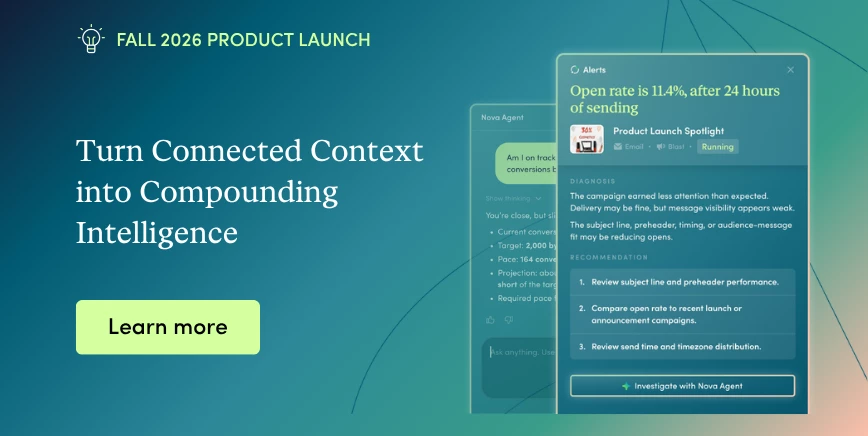
We’re excited to share that Iterable has released the Model Context Protocol (MCP) Server, now open-source and available to all customers. This new capability lets you securely connect AI tools like Claude and Cursor to Iterable.What does that mean in practice? In short: if you are a developer or technical marketer you can turn natural-language prompts into real-time actions inside Iterable. Build and iterate on personalization, journeys, content, and performance analysis — faster and without waiting on engineering cycles.What this unlocks for your team:Build and localize campaigns instantly using live data and performance signals Execute changes across complex workflows in minutes vs. hours Review campaign performance with greater visibility Leverage in both sandbox or production environments If your team is looking to accelerate workflows and scale personalization with AI, this is a huge unlock with more AI and agentic features on their way this winter.👉 Jump in and explore: https://iterable.com/whats-new/ Share how you are planning on leveraging MCP Server in the comments below!
November 6, 2025We’re enhancing Quiet Hours for SMS campaigns to make them more accurate and adaptive to each user’s local time zone. This update will be available starting Monday, November 10, 2025.With this update, the Overwrite IP field project setting now includes an option to capture a user’s IP address when they click a tracked shortlink in an SMS message. When this option is enabled alongside Overwrite location fields, Iterable can use the IP from the click event to infer the user’s time zone and save it to the user's profile.This allows Quiet Hours to automatically adjust to each user’s real-world location, pausing SMS sends only during their local quiet period. No more static send windows or manual adjustments—just smarter, real-time personalization that respects each customer’s moment.To learn more, see:Quiet Hours - Capturing the user's time zone Automatically populating IP and geolocation fields
November 6, 2025We've made some changes to the Usage and Billing screen that make it easier to review your organization's contract limits and usage metrics for each billing period. These changes help you gauge your usage, project future volume, and avoid unexpected overages.Changes to the Usage and Billing screen include:A new Billing Period dropdown to select your account's current and previous billing periods in order to view metrics based on actual billing dates. The page now displays your organization's contract limits and progress bars that visualize your usage. A new CSV export with detailed Global SMS usage metrics for your organization and each project.To learn more about the updated Usage and Billing screen, see Usage and Billing.TIPTo learn more about the differences between the new Usage and Billing screen and other Iterable metrics (such as Campaign Analytics, Messaging Insights, and Data Schema Management counts), see Understanding Usage and Billing Metrics.
November 3, 2025We've added an event table for Unknown User Activation and related fields to the Iterable Snowflake Data Share. For details, see Snowflake + Iterable Integration.
October 29, 2025As part of Iterable’s commitment to helping you stay SMS compliant, we’ve added a new feature that enables you to detect known litigators in your Iterable lists and prevent them from receiving the SMS campaigns you send with Iterable. For more information, see SMS Compliance Known Litigator Detection.
October 29, 2025To improve segmentation relevance and query performance in organizations with liberal campaign label usage, we now require that queries with Campaign Label event fields be timebound with a time period of your choosing. Existing queries with Campaign Label fields can still be used, but must have a time period defined before they can be modified or saved.For more information, see Segmenting with campaign labels.
October 29, 2025We've got two exciting beta releases going out today. Both are being released to a small group of Iterable customers, but they'll be rolled out to all Iterable customers over the coming weeks. If you don't have access yet, check back in a few weeks!NOTEBeta customers who have access to the global suppression lists feature will automatically have access to the modernized List page.Global suppression listsWe're making it easier to suppress sends to users who shouldn't receive messages from your brand. Global suppression lists are automatically applied to all new campaigns and journeys in your project to prevent those users from receiving messages by default. Global suppression lists aren't automatically applied to campaigns and journeys that were created before the feature was enabled, or to campaigns created by the POST /api/campaigns/create API endpoint.To learn more about this update, see Global suppression lists.Modernized List pageIterable's List Index page just got an upgrade! We gave the page a sleek new look and feel to better align it with the rest of Iterable. We’ve also added a couple of enhancements to make working with lists easier and faster than ever before. Here's what's new: Modernized design: Updated fonts, layout, headers, and action buttons for more seamless navigation and a smoother experience across the platform. Foldering: Now, you can organize lists with foldering like you can in other parts of Iterable. This makes managing lists easier and faster than ever before, especially when you’ve got lots of them! Bulk actions: To make managing lists even easier, you can also bulk move lists to another folder or delete those that you no longer use. And, not to worry, we’ll make sure that you don’t delete any lists that are used by an active journey or campaign; any list that falls into this category will be moved into a folder at the top level of the folder structure that’s available just for this use. To learn more, see Lists Overview.
October 27, 2025We’ve made an important update to how Catalogs and Collections work together. From now on, when you delete a catalog, any collections linked to it will be deleted automatically. This keeps your workspace clean and ensures your data stays consistent.To learn more, see Deleting a catalog.
October 27, 2025We've made some updates to the Iterable API that we're sure you'll love! Don't worry - these new endpoints and enhancements have no breaking changes to accommodate. Here's what's new:Campaigns API:New endpoint: Get campaign details by campaign ID - GET /api/campaigns/{id}Lists API:DELETE /api/lists/{listId} This endpoint has been updated to return a 409 Conflict response code and a message indicating where the list is active when attempting to delete a list that is in use.Templates API: New template proof API endpoints for email, push, SMS, and in-app templates: POST /api/templates/email/proof POST /api/templates/push/proof POST /api/templates/sms/proof POST /api/templates/inapp/proof New template preview endpoints to generate previews of email and in-app templates with custom data via API: POST /api/templates/email/preview POST /api/templates/inapp/preview Users API: POST /api/users/updateSubscriptions Updated to include a new optional parameter, validateChannelAlignment. This parameter defaults to true when it is not provided (this is the default behavior before the parameter was introduced). Providing a value of false will bypass validation and allow message types to be subscribed to even when the user is unsubscribed from the corresponding channel (this is an enhancement). New optional behavior for certain Users API endpoints to return all implied subscriptions instead of just explicit subscriptions. This is an enhancement that your account manager can enable for your project. To learn more, see Implied subscriptions in User API responses Subscription Preference Center impacts:Some of these API updates impact the way the Users API returns subscription data, and how you can manage user subscriptions in a subscription preference center. To learn more, see:Using implied subscriptions in your preference center (optional). Validating channel alignment for message type subscriptions (optional).
October 21, 2025When using API keys, Iterable requires them to be provided as an HTTP request header. However, certain legacy projects have exceptions that still allow API keys to be provided in the query string or request body.As of November 10, 2025, API calls that provide the key in the query string or request body will be subject to stricter rate limiting.To avoid being impacted by this change, modify your application code to use API keys as HTTP request headers instead of using the query string or request body.To learn more, see API Keys.
October 20, 2025We're happy to announce that you can now export aggregate data from Messaging Insights to PDF reports, directly from Iterable. Now, you can easily view up to 10 metrics based on your selected campaign filters in a clear, readable format for the pages, details, and date range that you choose. No more taking screenshots and doctoring up your own reports—just export the data you need and share the PDFs with your team.This update is being released over the next couple of weeks. If you don't see it yet, it'll be there soon! To learn more about this update, see Exporting Data.
Does your team use Databricks or BigQuery and are tired of haunting CSV exports and spooky rate limits? 👻Enterprise teams often hit a wall when in-app reports can’t keep up with growing data needs. That’s why we’re summoning our Data Sync (Beta), a direct pipeline from Iterable to your warehouse, no custom spells (or pipelines) required. What is the Data Sync Beta:Pipe Iterable data straight into Databricks or BigQuery for a reliable, scalable path to your single source of truth. Why join:Banish manual exports forever Keep analytics and data science teams happy with hydrated, consistent schemas Avoid system overload while seeing the full customer story in one placeDeadline: ⏰Sign up by completing the Data Sync Beta Interest Form by Friday, October 31, 2025, before this opportunity disappears into the night! 🌒Ready to sync smarter (and spookier)?
September 22, 2025We're giving you more control over when messages are delivered! Now when you enable Quiet Hours for a campaign, you have the option of setting a fallback time zone for users whose timeZone field is empty or blank. Instead of defaulting to your project's time zone, you can tell Iterable to either apply the time zone of your choosing for users whose time zone is unknown, determine a user's time zone from the area code of their phoneNumber field, or skip the send for these users.To learn more about this update and start using these new settings, see Quiet Hours.
September 18, 2025Journey testing just got an upgrade! Now when you set up a journey test run, you can tell Iterable to shorten long delay times and skip journey actions (like message sends and user profile updates). This gives you more control over your journey tests and helps you make sure things work as expected faster than ever before.To learn more about this update and get started using these new journey testing features, see Testing and Publishing Journeys.
[NOW AVAILABLE] Snippets API We are excited to announce that Snippets APIs are now available for all customersFeature Description:Previously, snippets were only accessible through the web UI. With APIs, you will be enabled with programmatic access and will improve your workflow automations.Feature Details:Snippets APIs include the following: List all snippets Get a specific snippet by an identifier Create a new snippet with the required name and content fields in the request body. Will return the generated ID of the created snippet Create or update a snippet with an identifier. If the identifier is an id, the snippet must already exist in the user's project. Upsert is supported if the identifier is the snippet name Delete a snippet given an identifier For more information, check out our support page or ask questions here
September 15, 2025We updated the query builder in the Yes/No Split tile! Now it's easier than ever to add, duplicate, edit, and delete criteria groups — saving you time and clicks.The functionality remains the same, and your existing Yes/No Split tiles will continue to work as expected. This is a design update that makes the query builder in the Yes/No Split tile match the updated design of Iterable's Segmentation tool.To learn more about this update and how to use Yes/No Split tiles in your journeys, see Filter Tiles.
September 3, 2025Have you ever wished there was an easier way to add unknown users to your Iterable project so you could engage with them during those crucial early interactions? And, what if configuring this functionality was as simple as defining profile creation criteria in Iterable's UI, without developer intervention (other than initial SDK setup)?We're excited to announce that Unknown User Activation is available in beta release! Now, you can add unknown users to your Iterable project based on criteria you define in your project. See Unknown User Activation Overview to learn more, or ask your Iterable customer success manager to enable Unknown User Activation in your project.
August 27, 2025Now if one of your business-initiated WhatsApp templates is rejected after being reviewed by Meta, you can edit and resubmit the template! Simply open the template with the Rejected status, edit the template's content and/or sending details (addressing the highlighted rejection reasons), and submit the template for an additional round of review. This makes it easier to fix any issues so you can start using the template in your WhatsApp campaigns faster.To learn more about this update, see Submitting Business-Initiated Templates to Meta for Approval.
August 18, 2025If you use Brand Affinity to evaluate users' historical engagement with your brand, you may have noticed some changes to the scoring you're used to seeing. This is because we’ve adjusted the Brand Affinity model to weigh recent user activity more heavily than it has in the past. This change was made to help ensure that Brand Affinity labels reflect your customers' engagement with an increased focus on more recent activity. The label assignments you see today should better reflect your customers' recent and current behavior.If you have questions about this update, talk to your customer success manager.
Already have an account? Login
Not a customer? Create an account
Enter your E-mail address. We'll send you an e-mail with instructions to reset your password.
Sorry, we're still checking this file's contents to make sure it's safe to download. Please try again in a few minutes.
OKSorry, our virus scanner detected that this file isn't safe to download.
OK