


Hey Community!
Our Fall 2026 Product Release is officially live! 🚀
Instead of treating customer interactions as isolated events, this release focuses on giving you tools to keep context connected across your entire stack, so every campaign, response, and channel interaction builds on the last.
Here is a practical breakdown of what’s included in this release, why it matters for your team, and how you can start using these features today.
Connected Data & Ecosystem 🔌
Integrations Hub
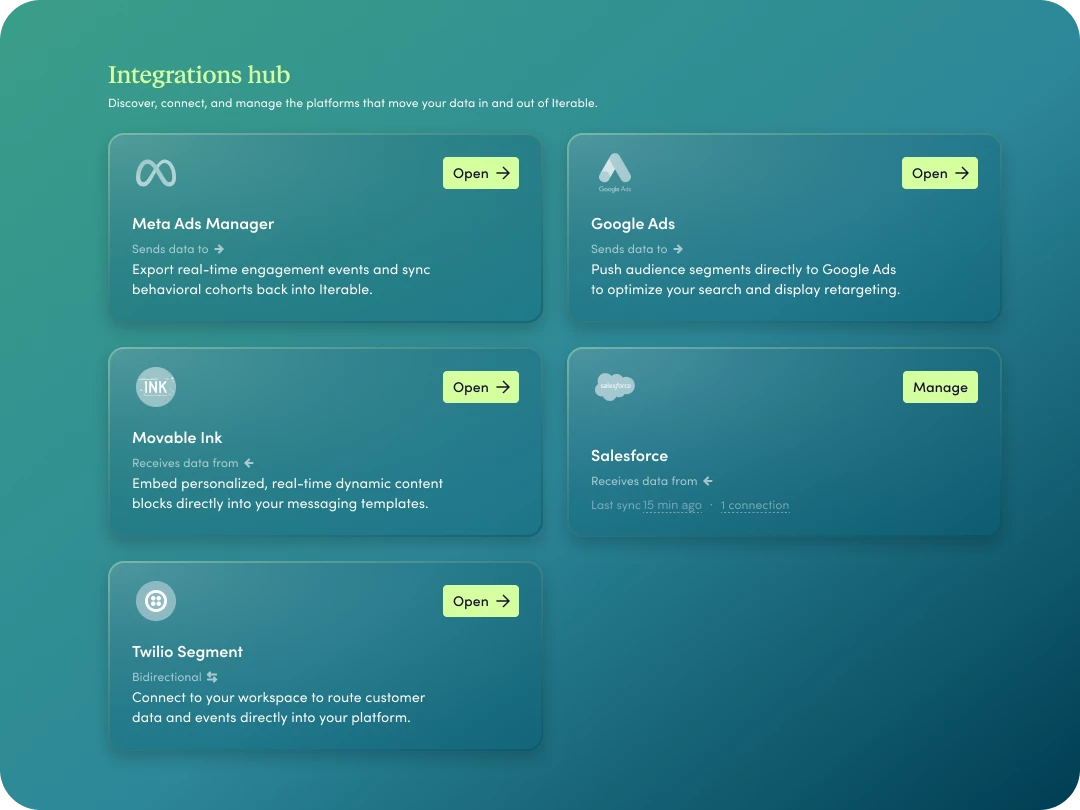
- What’s included: A redesigned central directory for discovering, configuring, and managing all 120+ ecosystem integrations with clear status visibility.
- Why it matters: Simplifies martech ecosystem management by giving admins a single, clean workspace to discover new integrations, check connection health, and streamline setup without hunting through documentation.
💡 Community Tip / How to use: Audit your active integrations under Integrations > Hub to quickly identify unused connections or explore new zero-code partners to expand your tech stack.
Salesforce Sync (Data-In)
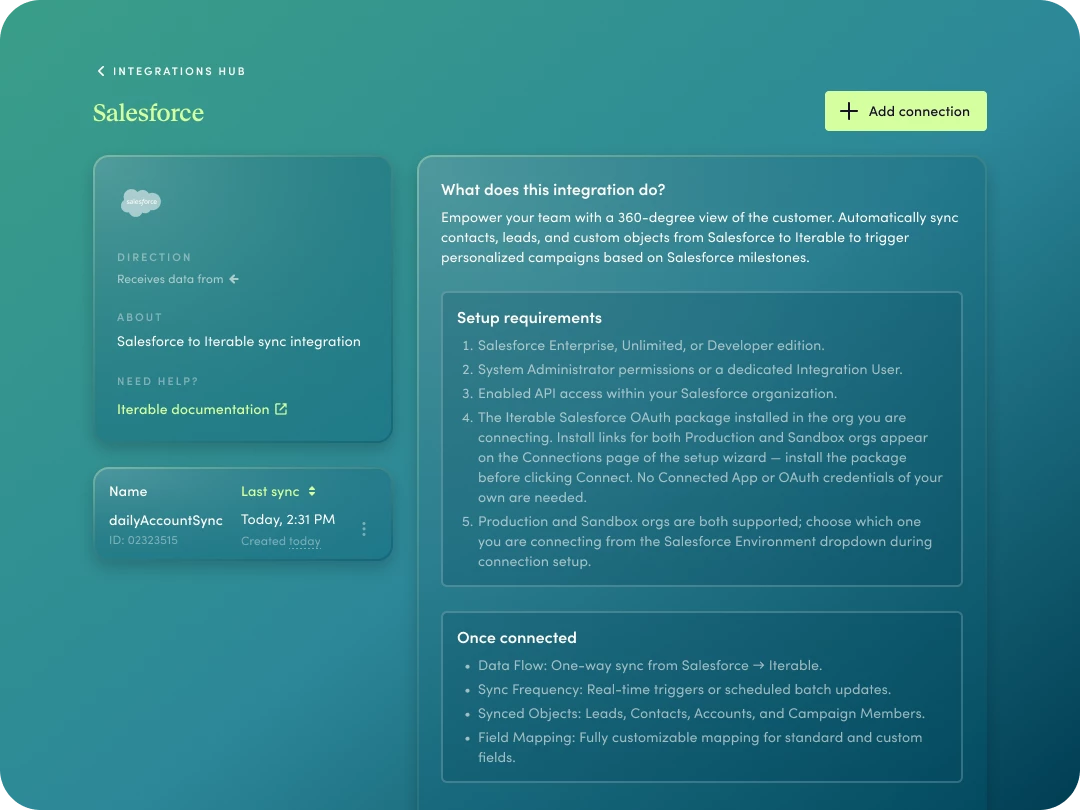
- What’s included: A native, first-party data-in sync that connects Salesforce Sales & Service Cloud to Iterable for Contacts, Leads, Accounts, and Cases.
- Why it matters: Say goodbye to expensive third-party middleware and custom API maintenance. Pull CRM records directly into Iterable profiles, events, and catalogs on custom polling schedules (as frequent as 15 minutes).
💡 Community Tip / How to use: Use native Salesforce sync to instantly trigger onboarding or activation campaigns the second a Lead or Contact converts, or route high-tier Account updates directly into live customer journeys—all without reliance on custom API scripts or third-party middleware.
Catalog in Segmentation & Scheduled Lists
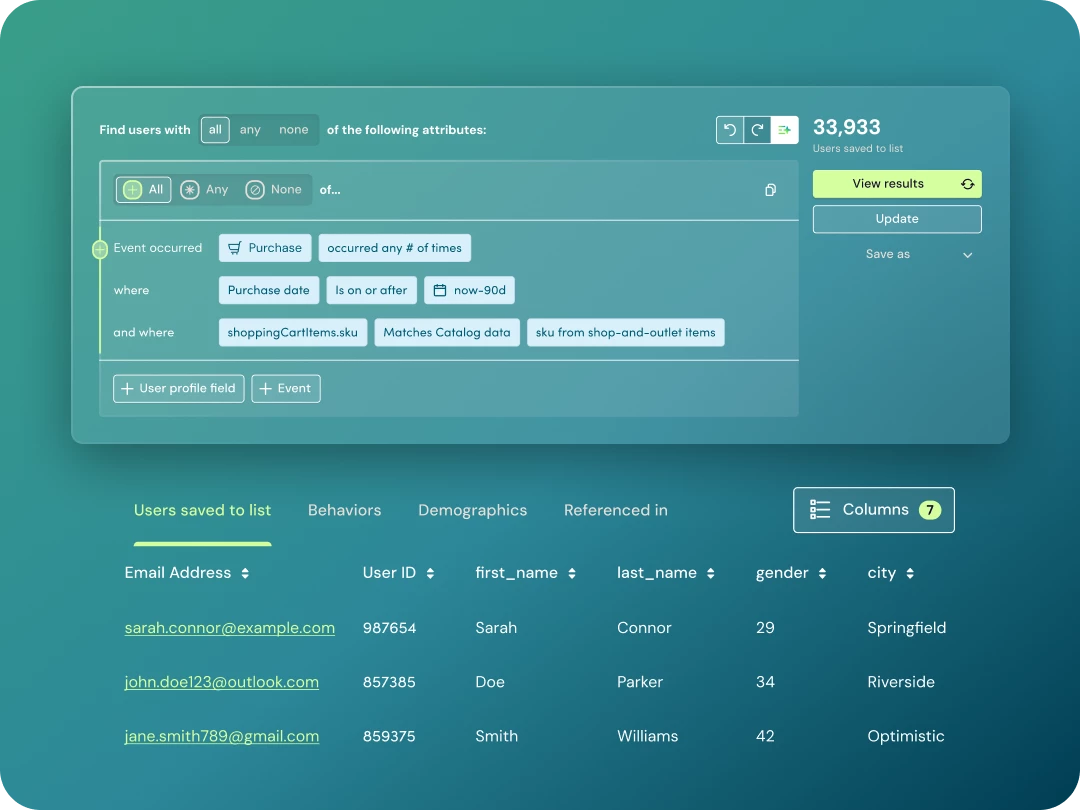
- What’s included: Query and target users using product, catalog, account, or location context directly in the Segmentation builder, with Scheduled Lists that automatically refresh daily.
- Why it matters: Target audiences using rich business metadata without duplicating fields onto individual user profiles (reducing profile bloat and data maintenance).
💡 Community Tip / How to use: Build recurring daily campaigns for location-based promotions—such as targeting users whose favorite store catalog location has specific promotions active—without needing custom developer events.
Journeys Live Data
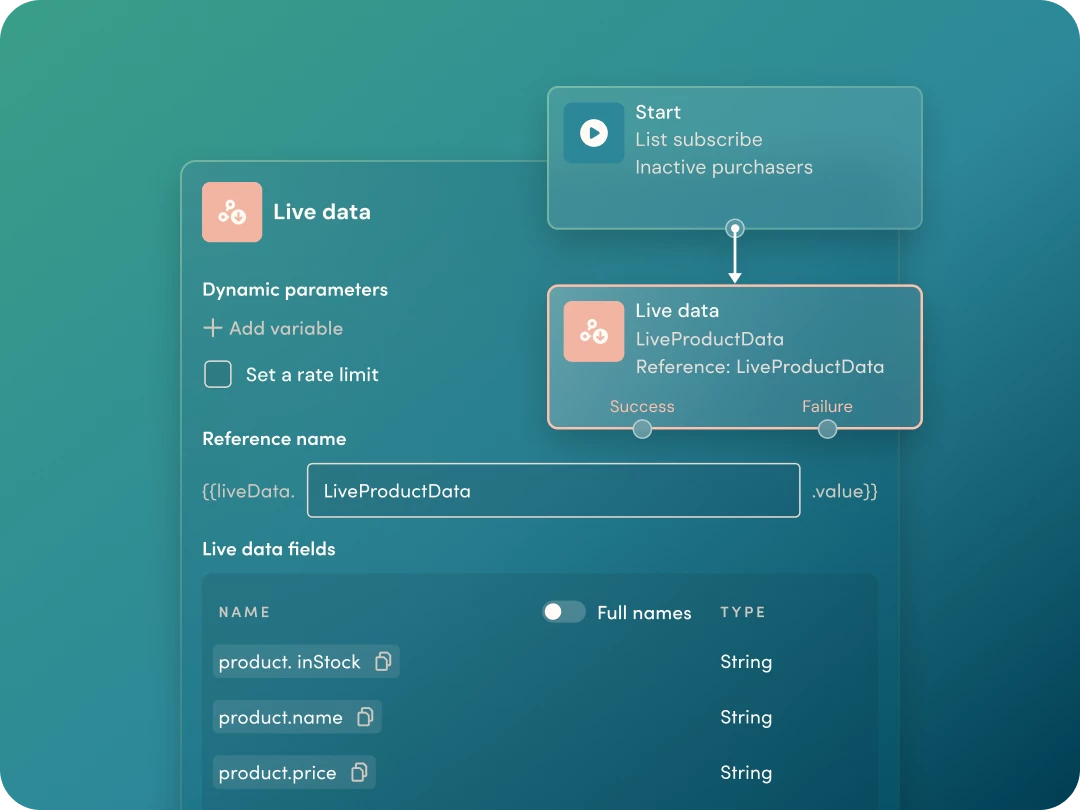
- What’s included: The ability to securely fetch external API data at the exact moment of journey orchestration.
- Why it matters: Make real-time journey splits and personalize messages using live external data (like current inventory, loyalty points, or risk eligibility) without permanently storing transient data on user profiles.
💡 Community Tip / How to use: Query an external inventory API right before an abandoned cart push send to verify stock availability, routing users down an alternative path if the item went out of stock.
Richer Mobile Messaging 📱
Rich Communication Services (RCS)
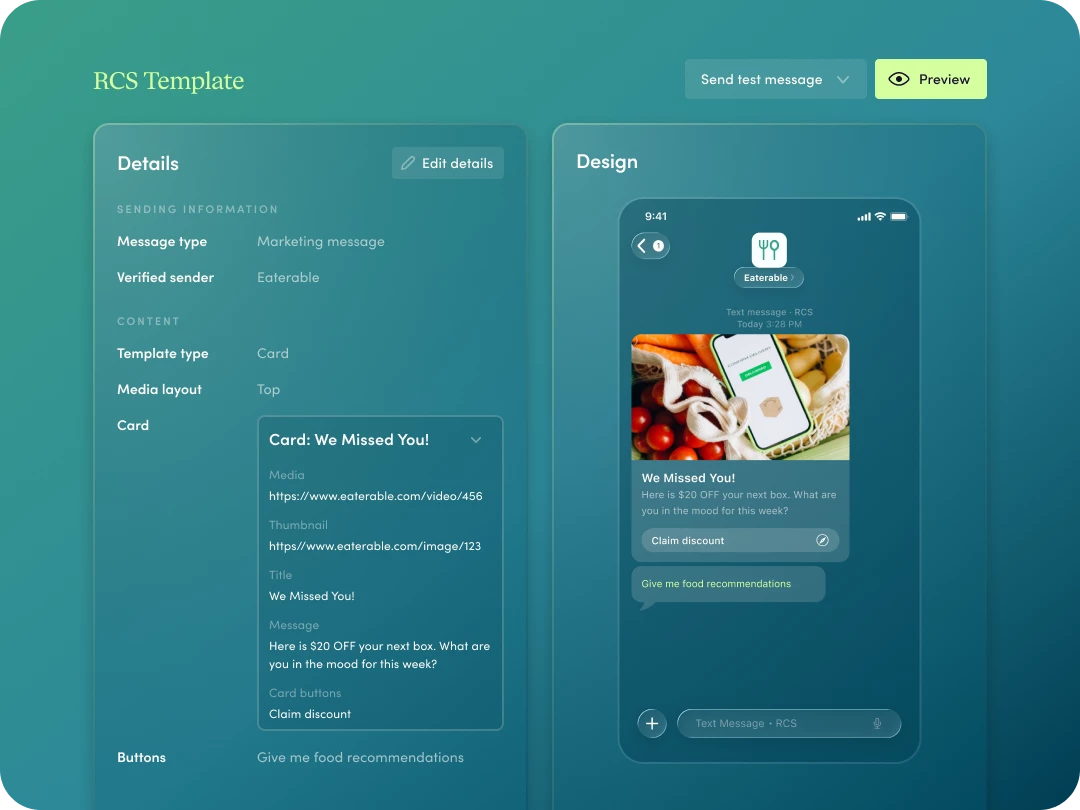
- What’s included: Native support for RCS Business Messaging, bringing high-res imagery, interactive carousels, suggested action buttons, and verified sender branding directly to iOS (iOS 18+) and Android inboxes.
- Why it matters: Transform standard SMS into interactive, app-like experiences that build verified brand trust and increase engagement without forcing an app download.
💡 Community Tips & Use Cases:
-
Tip 1 (Cart & Journey Recovery): Replace text-only order nudges with an RCS carousel showcasing exact items left behind, paired with single-tap "Complete Purchase" suggested action buttons. (Pro-tip: Be sure to build a fallback path in Journeys Studio for non-RCS devices!)
-
Tip 2 (Engagement & Trust): Showcase curated product bundles or exclusive credit balance alerts alongside quick-action buttons (like "Shop Bestsellers" or "View Curated Outfits") to drive immediate conversion right from the verified thread.
WhatsApp Integration
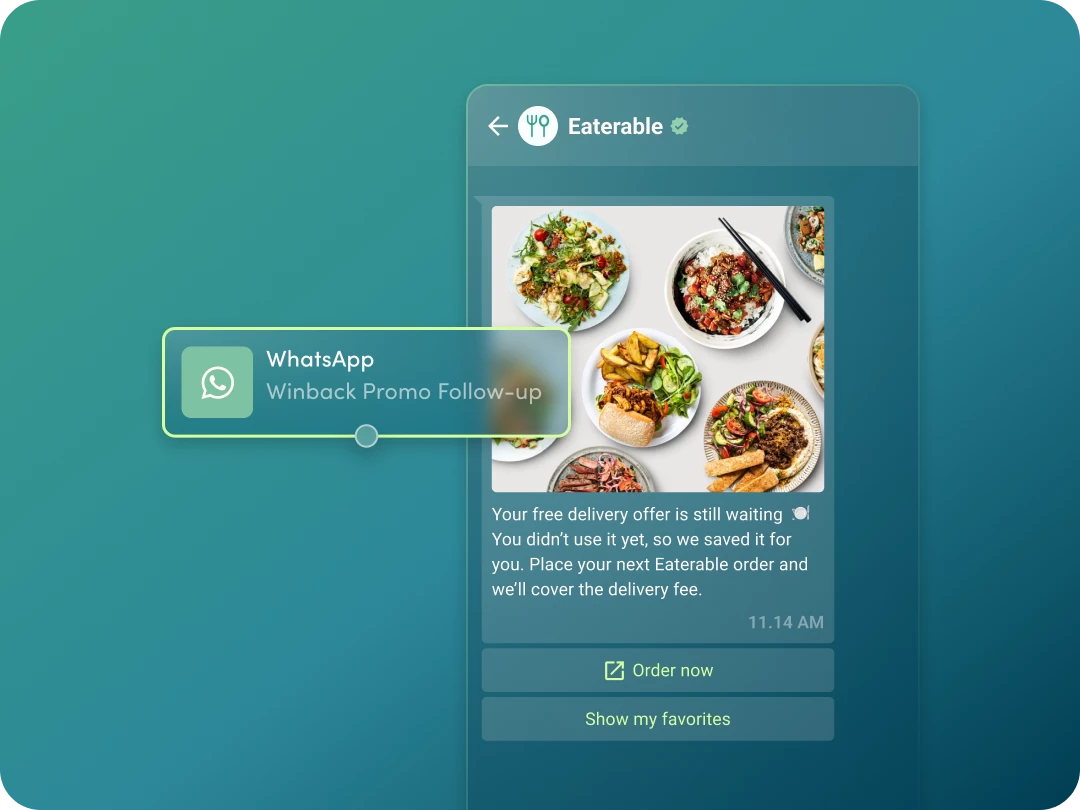
- What’s included: First-party WhatsApp capabilities for global messaging, rich media templates, and automated two-way conversational journeys.
- Why it matters: Reach international audiences on their primary messaging channel while managing templates, campaigns, and cross-channel analytics inside a single workspace.
💡 Community Tip / How to use: WhatsApp excels across the entire lifecycle, try using it for high-impact moments such as:
-
Card/Account Activation & Utility: Trigger proactive reminders with clear next steps when an account sits inactive, or send post-booking confirmation details with "Quick Reply" buttons so users can catch issues early.
-
Time-Sensitive Promotions & Win-Backs: Deliver personalized, time-boxed offers (like pre-approved financing or flash credit discounts) directly to international audiences on their primary messaging app.
-
Renewal Reminders: Pull stored profile context (like vehicle or policy details) straight into a personalized renewal prompt with a direct link back to checkout.
Agentic AI & Analytics 🤖
Monitoring Agent
- Availability: Available now (GA)
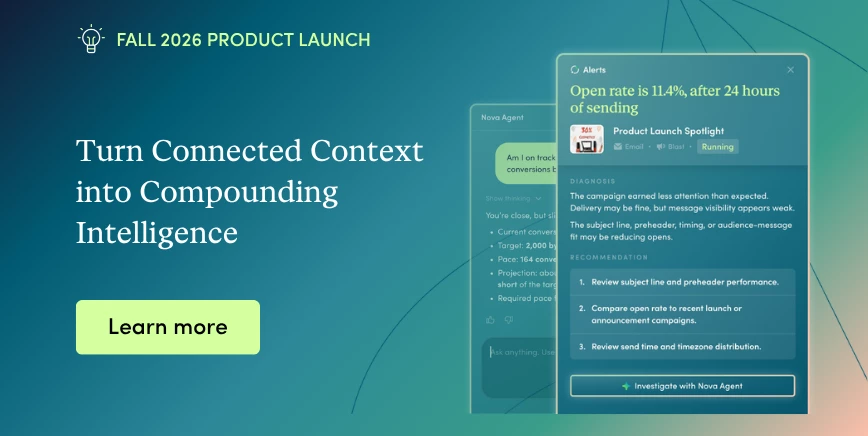
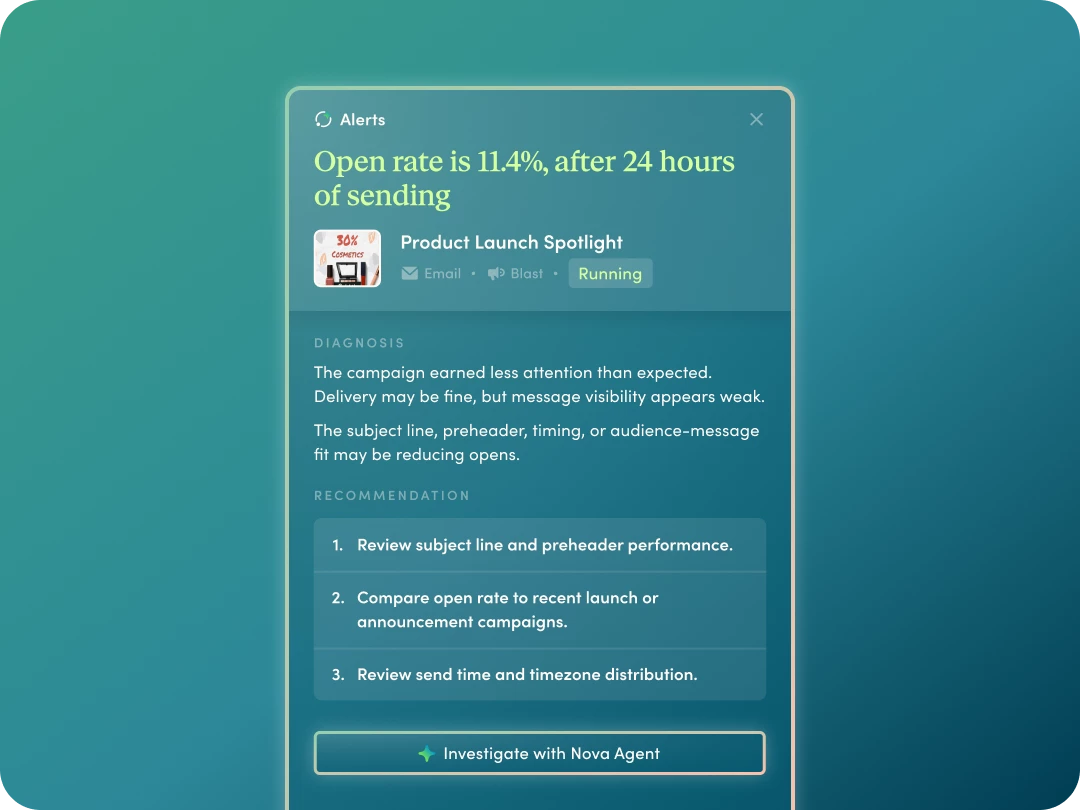
- What’s included: Proactive AI anomaly detection embedded directly into your homepage Campaign Alerts panel that diagnoses performance shifts and explains root causes.
- Why it matters: Shifts your team from reactive troubleshooting to proactive optimization without digging through logs.
Nova Conversations
- Availability: Private Beta starting October 2026
- What’s included: An interactive conversational assistant that acts as your human-in-the-loop interface for AI recommendations and analytics.
- Why it matters: When Monitoring Agent flags a performance issue, it launches a pre-seeded Nova Conversation where you can review, refine, and execute the recommended fix with one click.
💡 Community Tip: Reach out to your CSM or reply below to express interest in joining the October Private Beta!
Analytics Agent Enhancements (General Availability)
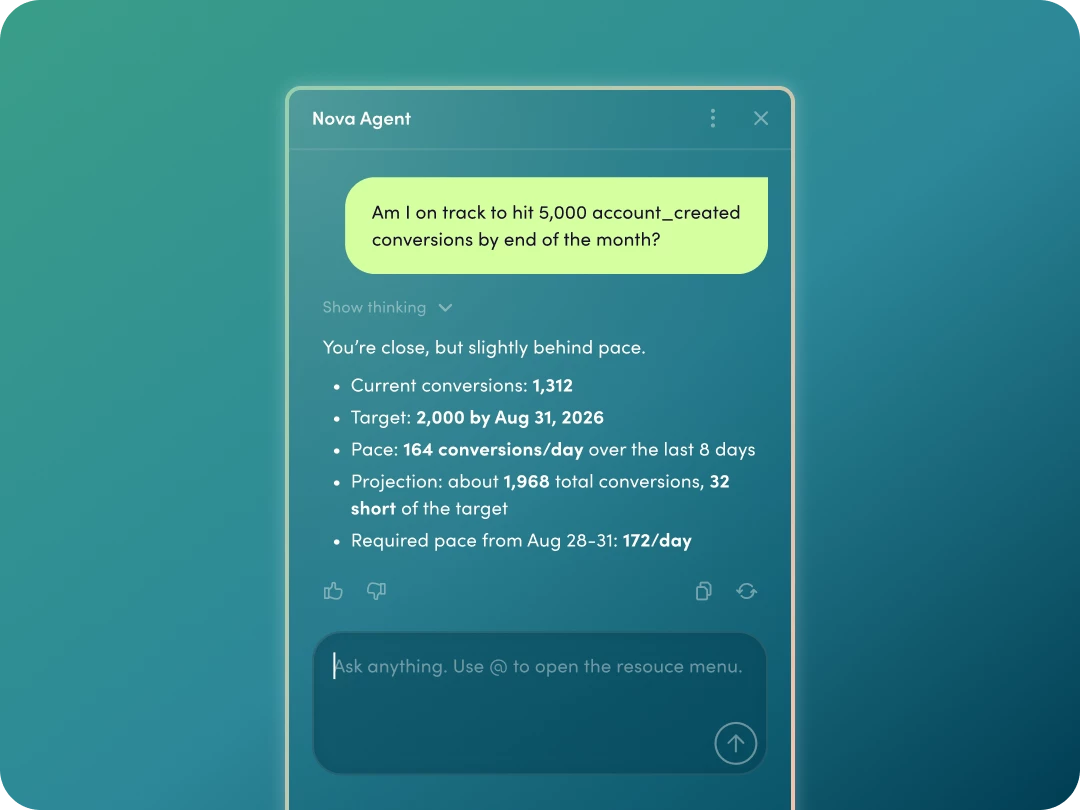
- What’s included: Natural-language conversational reporting and dynamic chart generation spanning multi-campaign, channel, label, journey, conversion, and revenue metrics.
- Why it matters: Get instant answers without needing custom SQL or exporting data to external BI tools. Plus, engagement metrics automatically filter out bot opens and clicks by default so you can trust your numbers.
💡 Community Tip / How to use: Ask natural-language questions directly in your workspace like "Compare open and conversion trends across email vs. push for onboarding campaigns over the last 30 days" to generate instant visual reports for stakeholder updates.
How to Get Started & Resources
Ready to dive in? Visit our Fall 2026 Product Launch Hub, your one-stop home for video overviews, feature guides, technical documentation, blog deep dives, and academy courses!
Over to You
Which of these features are you planning to roll out first? Are you testing RCS or WhatsApp this quarter? Drop your questions and ideas in the replies below!